vtkit: text mode boxes, lines colors and plotting with text in c
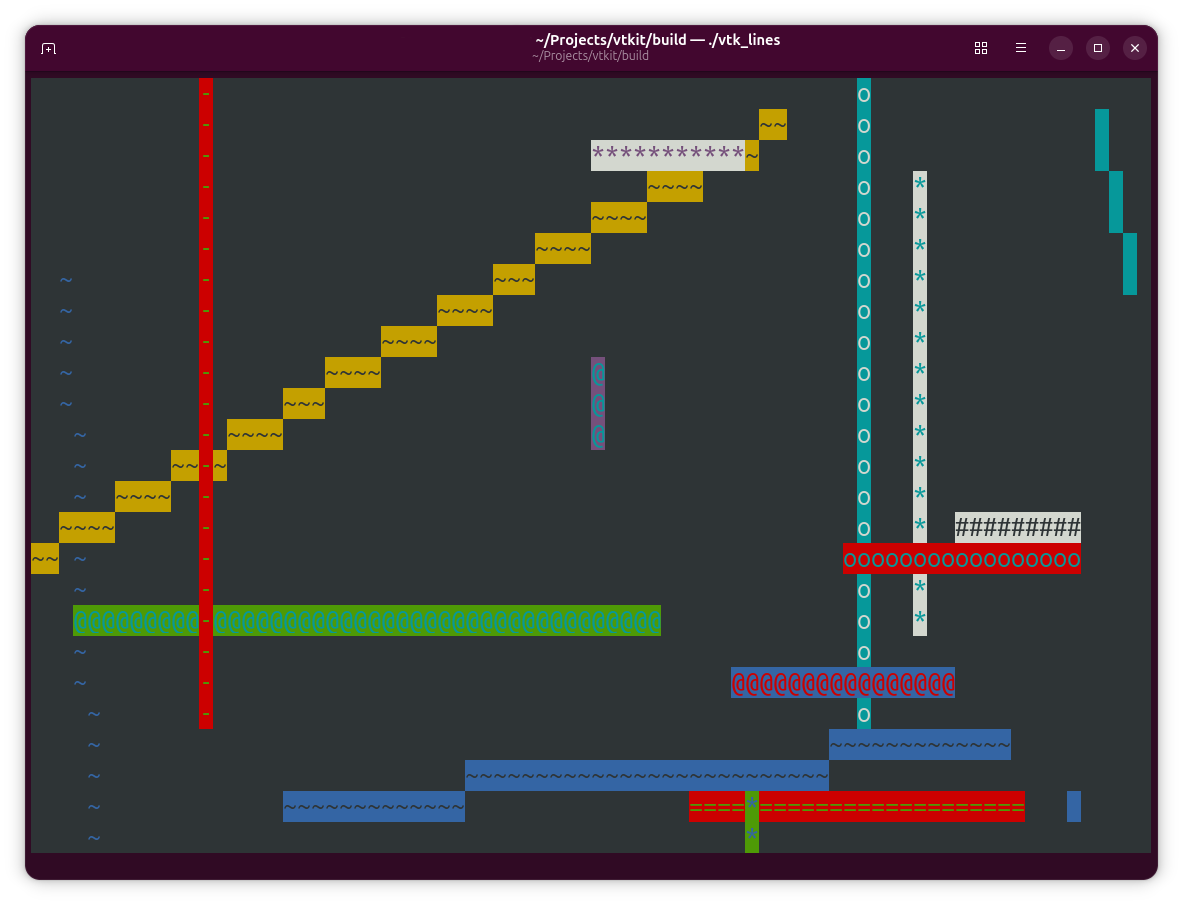
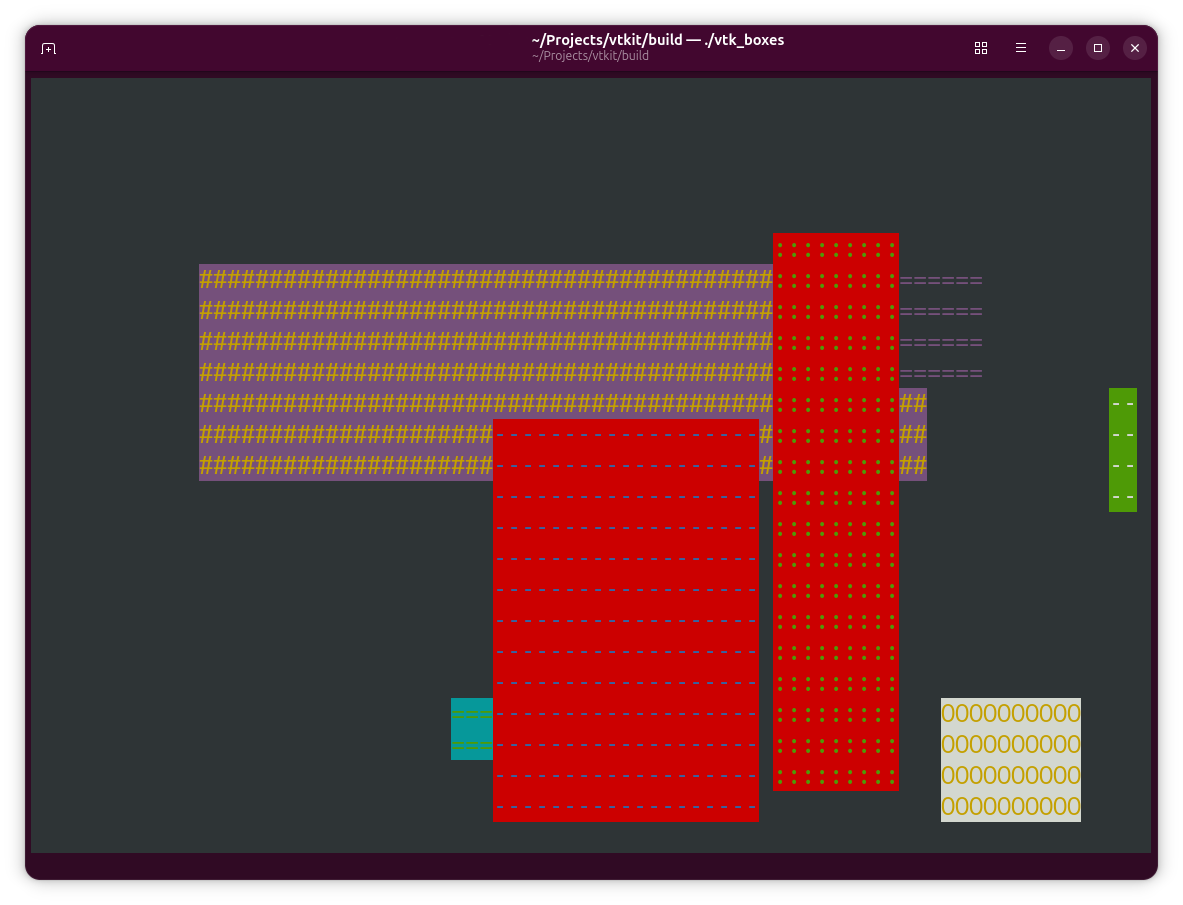
Its a very simple c library. Draws Boxes, Lines and Text at Arbitrary places on screen. Double Buffered Output so no screen flicker if you want to animate. Detects Resize Events etc.
Clear example code in the repo showing how to use the API, its self explanatory though from the function names.
Doesnt enforce a particular way of working. No Main Loop or other Architecture. Bring your own.
API
Session
vtk_begin()clear screen and hide cursorvtk_end()show cursor and reset attributes
Clear & Move
vtk_clear()clear screen, cursor to 0,0vtk_goto(x, y)move cursor to columnx, rowy
Color / Cursor
vtk_hide_cursor()hide cursorvtk_show_cursor()show cursorvtk_reset()reset fg/bg to terminal defaultsvtk_color(n)set foreground color (0..255)-
vtk_bg(n)set background color (0..255) VTK_BLACK,VTK_RED,VTK_GREEN,VTK_YELLOWVTK_BLUE,VTK_MAGENTA,VTK_CYAN,VTK_WHITE- Bright variants are provided as macros:
VTK_BRIGHT_BLACKthroughVTK_BRIGHT_WHITE - Any explicit color index in
0..255is accepted for both foreground and background
IO
vtk_getch()returns keycodeintor-1if no key pressedvtk_restore_mode()restore normal terminal input modevtk_raw_mode()enable non-blocking single-char input
Screen Size
vtk_get_width()current terminal column count (fallback 80)vtk_get_height()current terminal row count (fallback 24)
Double Buffer Manip
vtk_buffer_init(width, height)initialize a generic back/front buffer pairvtk_buffer_free()release buffer memoryvtk_buffer_clear(ch, fg, bg)fill back buffervtk_buffer_put(x, y, ch, fg, bg)write one cell in back buffervtk_buffer_present()diff-render back buffer to terminal and update front buffer
Double Buffer Drawing
vtk_buffer_hline(x, y, len, ch, fg, bg)draw a horizontal run of cellsvtk_buffer_vline(x, y, len, ch, fg, bg)draw a vertical run of cellsvtk_buffer_text(x, y, text, fg, bg)write a string left-to-rightvtk_buffer_rect(x, y, w, h, ch, fg, bg)fill a rectanglevtk_buffer_line(x, y, dx, dy, ch, fg, bg)draw a Bresenham line from(x,y)to(x+dx, y+dy)
Thats It, Share and Enjoy!
( see also: text c tui )